
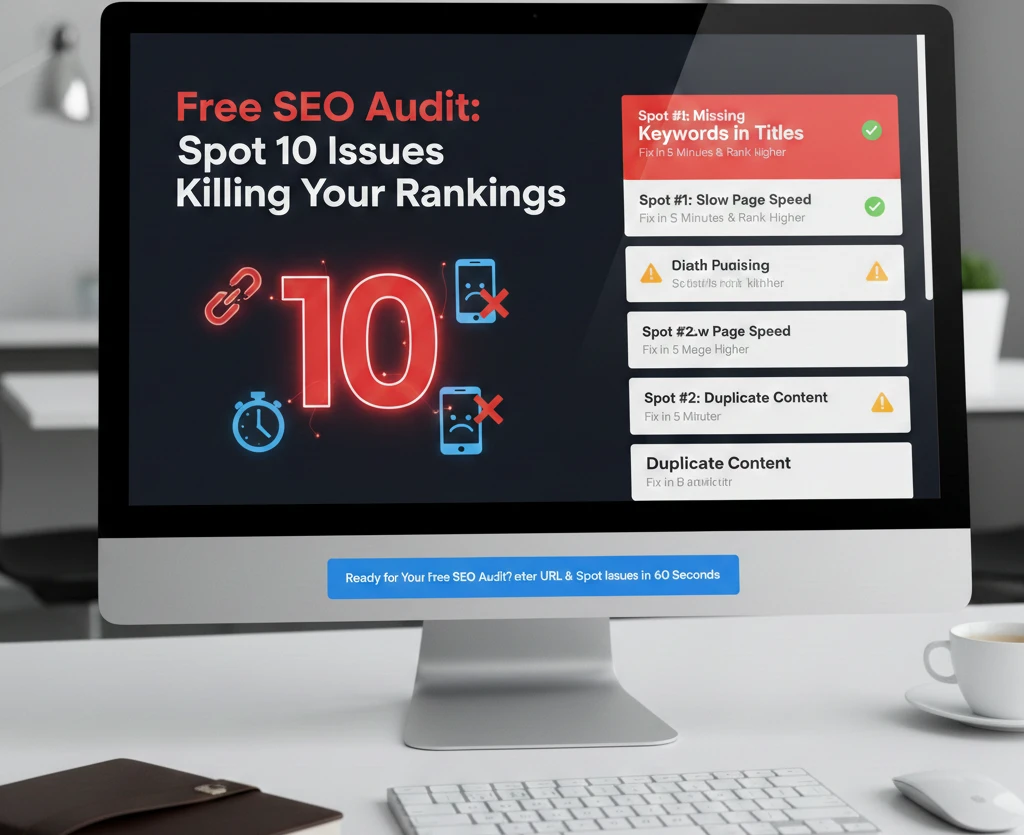
Is your website actually working, or is it just taking up space on a server?
Most business owners treat their website like a digital brochure—set it and forget it. But while you’re “forgetting it,” Google’s algorithm is busy deindexing your “thin” pages, ignoring your slow-loading mobile site, and burying your brand under a mountain of competitors who actually bothered to fix their technical debt.
If you aren’t on page one, you don’t exist. Period.
90% of websites fail SEO not because they lack “quality content,” but because they are riddled with silent killers: broken links, cannibalized keywords, and a mobile experience that feels like browsing on a 56k modem. In my 30 years of navigating this industry, I’ve seen million-dollar empires crumble because they ignored a few simple 301 redirects.
It’s time to stop guessing. Here is the high-octane breakdown of the 10 critical issues killing your rankings and how to fix them before your traffic hits zero.
Spot #1: Missing Keywords in Titles – Fix in 5 Minutes & Rank Higher
Your Title Tag is the single most important on-page SEO element. If your title is “Home – Miracle Concepts,” you’ve already lost. Google uses the title to understand what the page is about; users use it to decide if you’re worth the click.
I see this constantly: brilliant service pages titled “What We Do.” No one is searching for “what we do.” They are searching for “managed IT services” or “custom software development.”
The Fix:
- Identify your primary keyword for the page.
- Place it as close to the beginning of the Title Tag as possible.
- Keep it under 60 characters to avoid being cut off in the SERPs.
Don’t obsess over “Domain Authority” as a ranking metric here. People often get distracted by debunking DA/PA myths instead of focusing on the basics: telling Google exactly what the page is about through a clean, keyword-rich title.
Spot #2: Slow Page Speed Killing 50% of Visitors – Free Speed Audit Tool
We are in the era of the “three-second rule.” If your site takes longer than three seconds to load, 53% of your mobile visitors will bounce. They aren’t waiting for your high-res hero image to render. They’re going to your competitor.
Google’s Core Web Vitals (CWV) are no longer a suggestion—they are a requirement. Specifically, Largest Contentful Paint (LCP) and Interaction to Next Paint (INP) are the metrics that define whether you’re “fast” or “frustrating.”
The Performance Checklist:
- Compress Images: Stop uploading 5MB JPEGs. Use WebP.
- Minimize CSS/JS: Bloated code acts like digital molasses.
- Leverage a CDN: If your server is in New York and your customer is in London, that distance matters.
You must fix Core Web Vitals issues immediately. This isn’t just for SEO; it’s for your conversion rate. A one-second delay can cut conversions by 7%.
Spot #3: Duplicate Content Penalties – Merge & 301 Redirect Now
“Duplicate content” is a bit of a boogeyman. Google won’t necessarily “penalize” you in the manual sense, but it will get confused. When you have three pages talking about the same thing, Google doesn’t know which one to rank. The result? They all rank on page four.
This often happens with “printer-friendly” versions of pages or poorly managed URL parameters.
The Fix:
- Audit for Duplication: Use a tool like Screaming Frog.
- Consolidate: Merge the “thin” pages into one powerhouse “Pillar” page.
- Redirect: Use a permanent 301 redirect to send the old URLs to the new one.
Editor’s Tip: If you’re doing a DIY website audit, look for “scraped” content. If you’ve copied-pasted product descriptions from a manufacturer, you’re telling Google you have zero original value.
Spot #4: Broken Links Losing Crawl Budget – Scan & Fix Free Today
Every time a Google bot hits a 404 error on your site, you’ve wasted “Crawl Budget.” This is the limited time Google spends on your site. If it’s busy hitting dead ends, it isn’t finding your new, high-value content.
Beyond the bots, broken links are a trust killer for humans. It looks sloppy. It looks like you’ve gone out of business.
How to Fix:
- Run a crawl of your site.
- Identify all 404 (Not Found) errors.
- Update the link to a live page or remove the link entirely.
This is especially critical during a conversion audit. A broken link on your “Book a Consultation” page is effectively a “Closed” sign on your front door.
Spot #5: No Mobile Optimization – Pass Core Web Vitals Test Instantly
Google uses Mobile-First Indexing. This means Google looks at the mobile version of your site to determine your rankings—even for desktop searches. If your site is “responsive” but the buttons are too small to click or the text is unreadable without zooming, you are failing.
Common Mobile Mistakes:
- Intrusive Interstitials: Giant pop-ups that cover the whole screen on mobile.
- Small Font Sizes: If I need a magnifying glass, I’m leaving.
- Tap Targets Too Close: Users shouldn’t accidentally click “Cancel” when they meant “Submit.”
Editor’s Tip: Many of these common UI/UX design mistakes are easy to fix but have a massive impact on how long users stay on your site.
Spot #6: Thin Content Failing E-E-A-T – Bulk Up with AI Prompts
Google’s E-E-A-T (Experience, Expertise, Authoritativeness, Trustworthiness) guidelines are the yardstick for content quality. “Thin” content—300-word blog posts that say nothing—is being wiped out by the recent “Helpful Content” updates.
You need depth. You need data. You need a “Human” perspective that an AI can’t just hallucinate.
The Content Strategy:
- Answer the “Why”: Don’t just list facts; explain the implications.
- Use AI as a Tool, Not a Writer: Use AI to outline and research, but rewrite it in your own voice.
- Target Long-Tail Queries: Stop trying to rank for “SEO.” Start trying to rank for “SEO audit for B2B SaaS firms.”
Dominating long-tail keywords is the fastest way to drive high-intent traffic that actually converts.
Spot #7: Weak Internal Linking – Boost Authority in 10 Steps
Think of your website as a map. Internal links are the roads. If your most important pages don’t have enough “roads” leading to them, they will remain isolated and low-authority.
A proper internal linking strategy distributes “Link Juice” (authority) from your high-performing pages (like your homepage) to your deeper service pages.
The 3-Step Strategy:
- Link from high-traffic blog posts to your service pages.
- Use descriptive anchor text (not “click here”).
- Keep the most important pages within three clicks of the homepage.
Editor’s Tip: Many people underestimate how web development affects SEO. Your site architecture is the foundation of your authority.
Spot #8: Missing Schema Markup – Grab Rich Snippets Effortlessly
Schema markup is a piece of code that helps search engines understand your content. It’s how you get those fancy “Rich Snippets”—the star ratings, FAQ drop-downs, and pricing that appear directly in Google search results.
Sites with schema have a significantly higher Click-Through Rate (CTR) because they take up more “real estate” on the screen.
Types of Schema to Use:
- Local Business: For your address and phone number.
- Product: For price and availability.
- FAQ: To answer common questions directly in the SERPs.
As we move toward SGE optimization (Search Generative Experience), structured data is becoming even more vital for being featured in AI-generated answers.
Spot #9: Keyword Cannibalization Chaos – Consolidate for Top Rankings
Keyword cannibalization happens when you have too many pages targeting the same keyword. You’re essentially competing against yourself. Instead of having one strong page that ranks #1, you have four weak pages that rank #15.
How to Spot It:
Look at your Google Search Console. Are multiple URLs ranking for the same query? If so, you have a problem.
The Solution:
Combine the content from the “competing” pages into one “Super-Page.” This concentrates the authority and tells Google, “This is the definitive answer.”
This is especially relevant when optimizing for mobile and voice search tips, where users expect a single, concise, and authoritative answer.
Spot #10: No Backlinks Strategy – Build 20 DA30+ Links Free Guide
Backlinks are the “currency” of the internet. They are votes of confidence from other websites. If no one is linking to you, Google assumes you aren’t an authority.
However, the “quantity over quality” era is dead. Ten links from high-authority, relevant sites are worth more than 1,000 links from spammy directories.
Sustainable Link Building:
- Guest Posting: Write for reputable industry journals.
- Digital PR: Create original data or studies that people want to cite.
- Broken Link Building: Find broken links on other sites and suggest your content as a replacement.
Don’t get caught up in “buying” links. Use legitimate backlink building techniques to ensure your site isn’t flagged for manual action.
The Future of the SEO Audit
I’ve been in this game long enough to see “experts” declare SEO dead every two years. It isn’t dead; it’s just getting smarter.
The future isn’t about “tricking” Google; it’s about aligning with Google’s goal: providing the user with the fastest, most relevant, and most authoritative answer. With the rise of AI Search (SGE), the technical foundations—speed, schema, and mobile UX—will be the “barrier to entry.” If you don’t have those, you won’t even be in the conversation.
My advice? Stop chasing the latest “hack.” Fix your technical debt, consolidate your content, and treat your website like the high-performance machine it’s supposed to be.
Ready for Your Free SEO Audit? Enter URL & Spot Issues in 60 Seconds
Stop guessing where your traffic is going. Our diagnostic tool scans your site for these 10 killers and gives you a prioritized roadmap to recovery. Book a consultation today to get your custom report.
Claim Your 2025 SEO Checklist Template – Fix Rankings Today (Free Download)
Don’t let your rankings slip in the new year. Get our comprehensive, engineer-vetted SEO services checklist and start ticking off the fixes that actually move the needle.
IT Firms: Get Custom SEO Audit from Miracle Concepts – Book Now
Specialized industries require specialized SEO. Whether you’re focused on SaaS or [suspicious link removed], we understand the technical nuances of your niche.
Before/After: How We Fixed These 10 Issues & Doubled Traffic
Results don’t lie. Check out our latest case studies to see how we transformed underperforming sites into lead-generation powerhouses.
FAQ: What Does a Free SEO Audit Reveal? (10 Common Shocks)
1. Is a free SEO audit actually useful? Yes, but only if it provides actionable data. Most “free” tools give you a generic score. A real audit identifies specific technical errors, like broken links or missing schema, that you can fix today.
2. How often should I audit my site? At minimum, once per quarter. Google updates its algorithm constantly, and “link rot” or technical bugs can creep in during routine site updates.
3. Does duplicate content really hurt my ranking? It won’t get you banned, but it will dilute your ranking power. If Google has to choose between three of your pages, it might choose none of them.
4. Why is my site slow even though I have good hosting? Hosting is only half the battle. Unoptimized images, heavy plugins, and uncompressed code are the usual suspects behind a slow site.
Still have questions? Contact us to speak with a human expert who can demystify your data.
Final Thought: If you spent $500 on a new website but didn’t spend $500 on the SEO audit to make sure it actually works, did you really buy a website? Or did you just buy an expensive hobby?
The choice is yours. Are you ready to rank?